Introducing Aspen Ridge: A New Cool-Grey Limestone, Now in Two Cuts
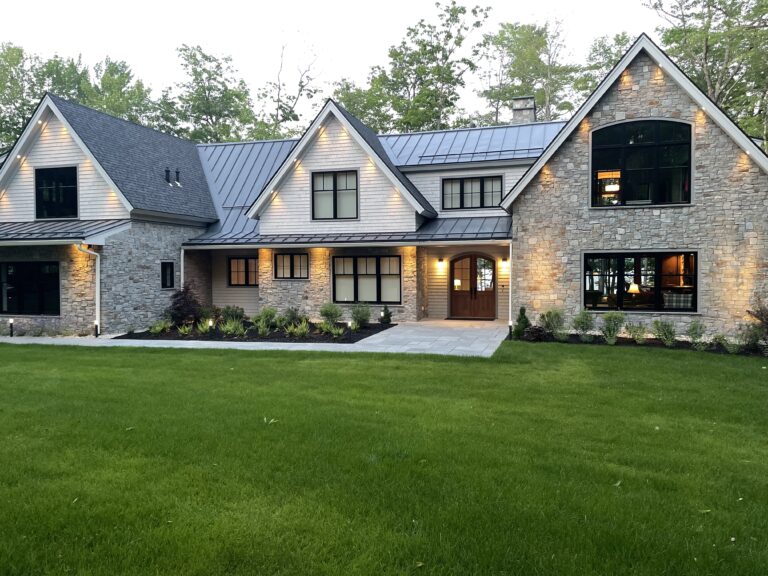
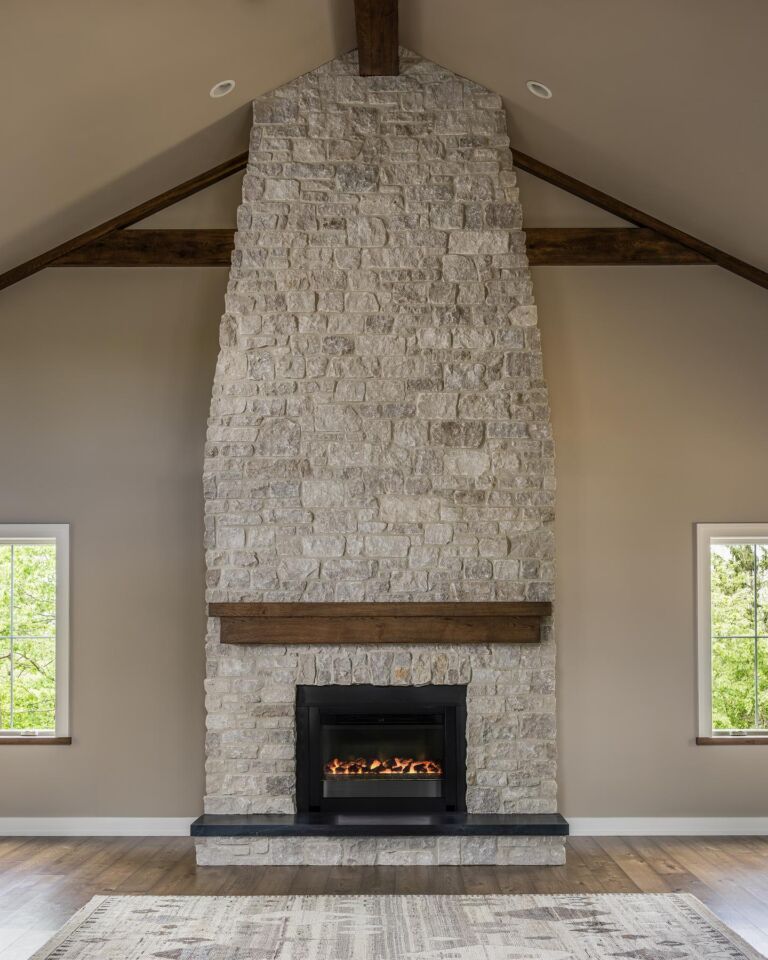
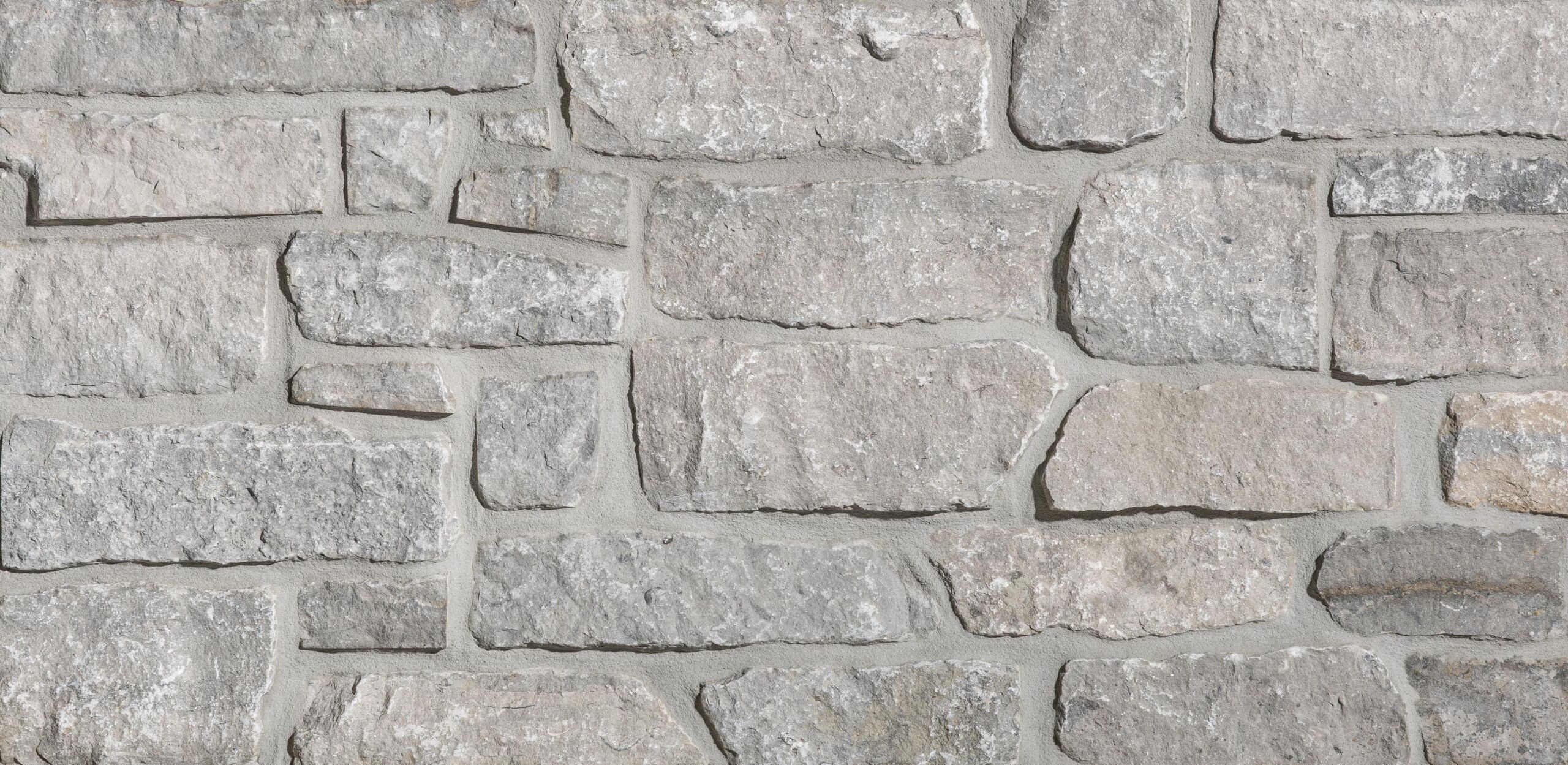
Introducing Aspen Ridge, the newest natural limestone in the Stoneyard lineup — a clean, cool palette of greys, soft blues, and hints of cream. The surface is matte and low-mica (no manufactured sparkle), and the pieces run large-format, so installations read bold and architectural. Because every piece is naturally irregular, no two walls look exactly alike.
Best part? Aspen Ridge comes in two distinct cuts, so you can dial in the look your project calls for.
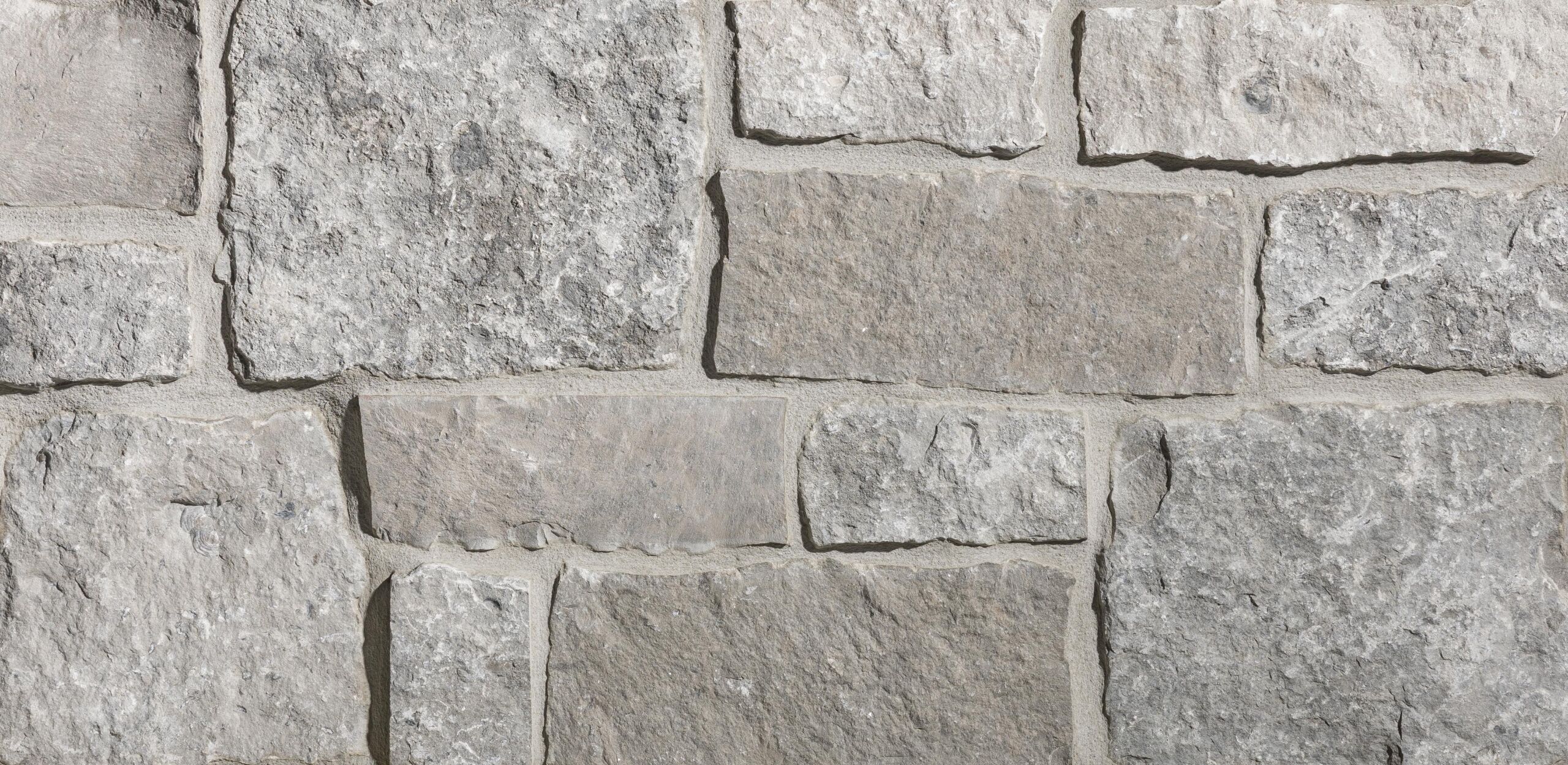
Square & Rectangular
A bold mix of square and rectangular pieces with real masonry-like weight. The large shapes give siding, entryways, and fireplaces a substantial, architectural presence.
Stacked Stone
A large-format ledgestone with elongated, structured coursing for clean, horizontal lines. Refined and versatile — a natural fit for accent walls, columns, and contemporary or transitional exteriors.
See it before you order
Not sure which cut fits your home? Drop Aspen Ridge into a range of exterior and interior scenes with our free Stone Visualizer — compare both cuts side by side, then request the samples you like best.
The details
Both cuts are natural limestone thin veneer, made in the USA. As a thin veneer, Aspen Ridge installs over most substrates without the footings full-bed stone requires — lighter to handle, faster to set.
- Colors: cool greys, soft blues, hints of cream
- Finish: matte, low-mica — no manufactured sparkle
- Weight: under 14 lbs per square foot
- Great for: siding & accent walls, porch columns, entryways, fireplaces, foundation wraps
Ready to see Aspen Ridge in person?
Order a free sample of each cut and compare them in your own light — or try the cuts on screen first with the Stone Visualizer.